
Bluetooth Connectivity and Smartphone App Integration in Vape Tech: The Ultimate 2025 Guide
By Asif Iqbal ·
Flamingo Vape App: The Complete Guide to Bluetooth Smart Vape Control
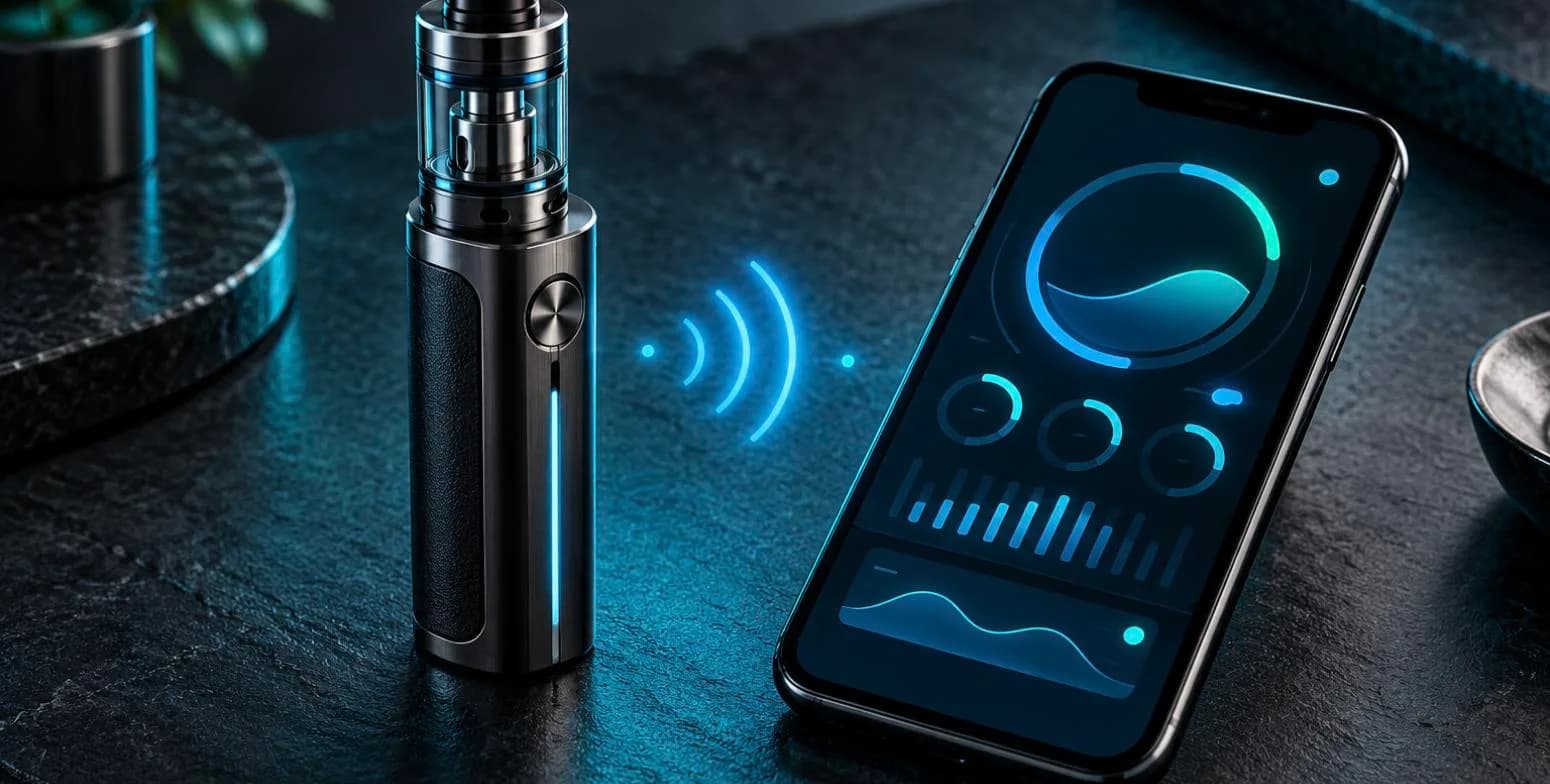
Smart vape technology has transformed e-cigarettes into sophisticated Bluetooth-enabled devices that connect seamlessly with your smartphone. Apps like the flamingo vape app deliver comprehensive control and monitoring features that were unthinkable just a few years ago. This guide explores how wireless connectivity vape technology works, what smartphone app integration can do for you, and what app-controlled vapes can realistically do today.
Modern Bluetooth vapes offer precision control over temperature, power levels, and puff counts. You get detailed usage analytics, battery status alerts, and firmware updates delivered straight to your phone. These intelligent vape devices combine convenience with safety—most include automatic shutoff features, overheat protection, and real-time diagnostics that help you maintain peak performance and avoid common problems.
Whether you're tracking daily puff counts, adjusting flavour intensity through temperature control, or simply monitoring battery life, smart vape technology puts granular control in your hands. On app-enabled devices, many adjustments can be made from your phone instead of through on-device buttons and menus. Features vary by device and app version, so check the manufacturer's listing for exactly what yours supports.
How Smart Vape Bluetooth Connectivity Works
At its core, smart vape Bluetooth technology uses short-range wireless communication to pair your device with your phone. When you first set up a device, the connection handshake is straightforward: enable Bluetooth on your phone, open the manufacturer's app, and scan for nearby devices. Once paired, the connection typically remains stable within 10 metres and reconnects automatically when you're back in range.
The Bluetooth protocol handles all the data transfer between your vape and smartphone. Sensor data from the device—battery voltage, temperature readings, puff duration, and power output—streams continuously to your phone. The app processes this information and displays it in real time. Meanwhile, any adjustments you make in the app (like changing wattage or enabling power-saving mode) transmit back to the device instantly. This two-way communication creates a responsive, interactive experience that feels genuinely useful rather than gimmicky.
Battery efficiency is built into these systems. Bluetooth Low Energy (BLE) protocols mean the constant wireless connection drains minimal power from either your vape or phone. The impact on your smartphone's battery is usually small, even when the app runs in the background.
Airfuze App Features and Integration
The airfuze app represents a solid mid-range option for vapers wanting smart device control without unnecessary complexity. It pairs with compatible pod kits and delivers the essentials: real-time puff counting, battery percentage display, and adjustable power settings across multiple modes.
Key features include customisable puff limits (useful for tracking daily intake), daily usage summaries, and battery alerts that notify you before the device runs flat. Where supported, firmware updates can be delivered through the app, bringing stability improvements and occasional new features.
The appeal is a straightforward interface—nothing is buried behind confusing menus. You launch the app, it finds your device automatically, and all your controls appear on one or two clean screens. Some apps also keep a usage history so you can look back over time.
Airfuze Vape App Setup and Troubleshooting
Setting up the airfuze vape app should only take a few minutes. Download the app from your phone's app store, create a basic account (usually just an email and password), enable Bluetooth on your device, and search for compatible vapes. Once discovered, tap your device name to pair it—most connections establish on the first attempt.
If the app doesn't find your device, restart Bluetooth on your phone and ensure the vape itself is powered on and not already paired with another phone. Some users forget to turn off their device's Bluetooth after initial setup, which can cause reconnection issues. If problems persist, deleting the app and reinstalling it typically resolves any corrupted pairing data.
Connection drops are rare but occasionally happen if you move too far from your phone (beyond 15 metres) or if another Bluetooth device nearby causes interference. Simply re-entering the app when you're back in range reconnects immediately. There's no manual reconnection step—the app handles it automatically.
Kona Bar Vape App and Premium Features
The kona bar vape app is aimed at vapers who want a little more monitoring. Alongside basic puff counting and battery display, apps in this category can offer usage history and power settings, depending on the device.
A puff counter is also a handy reminder of when a pod or coil is due for replacement, which helps you avoid burnt hits caused by worn-out coils.
Comparing Smart Vape Bluetooth Devices
Not all app-controlled vapes offer the same feature set. Pod systems like the VooPoo Argus Z Kit focus on simplicity and portability and don't need an app at all. Box mods and tank systems tend to offer more granular control for cloud chasers and flavour enthusiasts who want to experiment with detailed settings.
When comparing devices, consider your use case. Commuters and casual vapers benefit from straightforward battery monitoring and puff limits. Hobbyists who enjoy tweaking settings gravitate toward devices with extensive customisation. Heavy users appreciate firmware updates that sometimes add new features or improve efficiency over time.
Like this? Tell Google you want more of it.